An AI design workflow uses AI across research, ideation, prototyping, iteration, and handoff. Learn where AI helps and where designer review still matters.
Quick Answer
An AI design workflow is a structured design process in which AI supports tasks such as research, ideation, visual exploration, prototyping, iteration, and design handoff. AI can help designers generate and evaluate possibilities faster, but the designer remains responsible for deciding what works, refining the output, and ensuring the final design meets user, business, accessibility, and technical requirements.
AI-assisted design can be used across product design, UX/UI design, and creative production. The role of AI can vary from one stage to another: it may help summarize research, explore interface directions, produce early concepts, generate content or assets, or accelerate repetitive production work.
What is an AI design workflow?
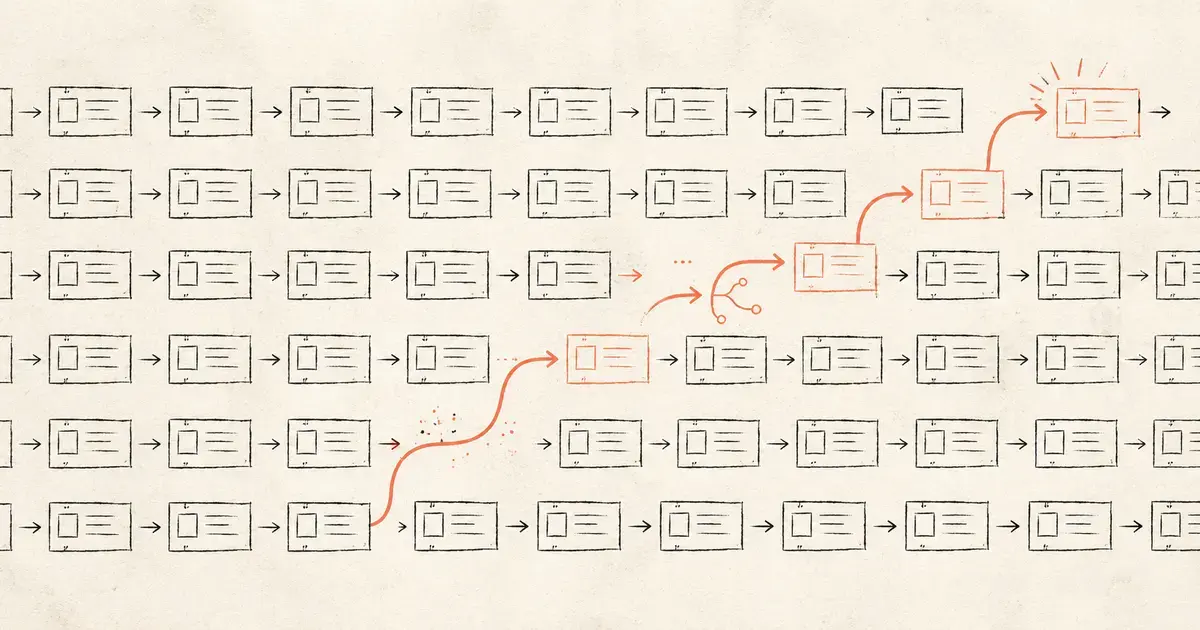
An AI design workflow is the sequence of design activities in which AI is used to support specific parts of the creative and product-design process. Rather than replacing the design process, AI becomes one of the tools designers can use to explore ideas, produce working material, test alternatives, and move between stages more efficiently.
A typical AI design process can begin with a brief, user problem, research finding, or product requirement. AI may then help organize information, generate directions for exploration, produce early visual or written material, or support prototyping before the designer reviews and develops the work further.
The amount of AI involved depends on the project. Some teams may use it mainly during early ideation. Others may also use it for interface concepts, content variations, design-system components, prototype development, or preparation for engineering handoff.
An AI ideation workflow is therefore one part of the wider design process rather than a separate discipline. Generating ideas quickly can be useful, but those ideas still need to be assessed against the actual user problem and the constraints of the product being designed.
What stages of the design process can AI support?
AI can support many stages of a design workflow, from making research easier to work with through ideation, prototyping, iteration, and preparation for development. It does not need to be used at every stage, and its value depends on whether it helps the design team make better progress on the work in front of them.
Common applications include:
- Research and synthesis: AI can help organize interview notes, survey responses, support data, or other research material and surface recurring themes for designers to investigate.
- Ideation: Designers can use AI to explore different directions, generate initial concepts, reframe a problem, or create variations around an existing idea.
- Visual exploration: Generative tools can help produce early layouts, imagery, interface concepts, or creative directions that designers can use as starting material.
- Wireframing and prototyping: AI can assist with early structures, interface components, content, user flows, or prototype variations.
- Content and asset creation: Teams can generate or adapt supporting copy, imagery, placeholder content, and other production material where appropriate.
- Iteration: AI can help designers create alternatives quickly when testing different layouts, content treatments, or interaction approaches.
- Handoff: AI can assist with documentation, component specifications, content preparation, or other repetitive work needed to move a design toward development.
Within UI/UX strategy, research, & design, these activities still sit within a wider process of understanding users, mapping journeys, prototyping experiences, testing assumptions, and refining the design before it reaches production.
The important question is not how many stages can use AI but whether AI is helping the team understand the problem, explore useful possibilities, or complete design work more effectively.
How should AI-generated design work be reviewed and refined?
AI-generated design work should be treated as material for review and refinement rather than assumed to be ready for use because it was produced quickly. Designers still need to determine whether the output solves the intended problem, works for users, follows established design standards, and can be implemented in the real product environment.
Review can include several areas:
- Usability: Does the interface or experience make sense to the people expected to use it?
- Accessibility: Does the design account for accessibility requirements rather than reproducing visual or interaction patterns that exclude users?
- Design-system alignment: Are components, typography, spacing, interactions, and other elements consistent with the system the product already uses?
- Brand consistency: Does the work reflect the appropriate visual and verbal identity?
- Content accuracy: Where AI has generated copy, labels, summaries, or other information, does the content accurately reflect the product and user context?
- Technical feasibility: Can the proposed interaction, component, or experience be implemented within the available product and engineering environment?
- Edge cases and states: Does the design account for errors, empty states, loading, different screen sizes, unusual inputs, and other situations beyond the ideal path?
AI UX design is most useful when generation is followed by the same critical review expected of any other design work. Speeding up the first version has limited value if the team later has to correct poor assumptions, inaccessible patterns, inconsistent components, or designs that cannot be built.
Existing design systems can make this review easier by giving AI-generated work clearer constraints. Approved components, tokens, patterns, and interaction standards give designers a reference against which generated material can be assessed and refined.
How is an AI design workflow different from agentic workflow design?
An AI design workflow describes how designers use AI while creating and refining design work. Agentic workflow design describes how an enterprise designs a business process in which AI agents, people, systems, rules, approvals, and handoffs work together. The terms sound similar because both involve AI and workflows, but the thing being designed is different.
In an AI design workflow, the workflow belongs to the designer. It may move from research and ideation through wireframing, prototyping, review, and handoff. AI supports parts of that process, but the objective is still to create a product, interface, experience, or other design output.
In agentic workflow design, the workflow itself is the system being designed. Teams determine what work an AI agent should handle, which tools or enterprise systems it can use, when people need to intervene, what approvals are required, and how exceptions or handoffs should work.
A product designer using AI to explore different interface concepts is working within an AI design workflow. A team deciding how an AI agent should receive a request, retrieve information, perform an action, and escalate an exception is designing an agentic workflow.
The two can also intersect. A designer might help create the interface through which people interact with an agentic system, while the operational workflow behind the agent is designed separately. As agentic systems become more capable, experience design may also need to account for intent, agent behavior, escalation, and trust rather than focusing only on traditional interface flows.
What makes an AI design workflow effective for enterprise design teams?
An effective AI design workflow gives designers faster ways to explore and produce work without weakening the standards that determine whether the final experience is useful, consistent, accessible, and ready to build. Enterprise teams also need shared tools, design systems, review responsibilities, and clear rules around what information can be used with AI.
A useful workflow starts with a clear purpose for AI. Teams should know which parts of the design process are genuinely being improved rather than introducing AI simply because a tool is available.
Shared context also matters. Designers need access to the research, product requirements, brand standards, content guidance, design systems, and technical constraints that shape the work. AI-generated output created without that context can produce more options without producing better ones.
Enterprise teams also need consistency in how AI is used. Approved tools, privacy requirements, data-handling rules, and clear review ownership help prevent individual designers from creating separate processes that are difficult to govern or reproduce.
The workflow should support collaboration beyond the design team as well. Product owners, researchers, content teams, and engineers may all need to review or contribute at different stages. Strong experience & design practices keep AI-assisted work connected to the wider product and user experience rather than treating generation as an isolated creative activity.
The value of AI should ultimately be visible in the design process itself. Faster ideation can be useful, but so can reduced rework, clearer handoffs, more consistent output, or giving designers more time for research, evaluation, and higher-value design decisions.
Continue Exploring
AI can accelerate parts of the design workflow, but useful results still depend on the quality of the research, constraints, review, and design decisions around it. A clear workflow helps teams identify where AI genuinely improves the process and where designer judgment remains essential.
Explore how AI can support your design teams without losing control of quality, consistency, or the user experience.
Related Questions
Does an AI design workflow require AI agents?
No. An AI design workflow can use generative, analytical, or other AI tools without an AI agent independently managing the design process. A designer may use AI for research synthesis, ideation, visual generation, prototyping, or content while still deciding when and how each tool is used.
AI agents become relevant only where a system is given greater responsibility for coordinating or carrying out work on its own.
Can AI design workflows use an existing design system?
Yes. Existing design systems can give AI-assisted work clearer constraints around components, typography, spacing, interaction patterns, accessibility, and brand consistency. Designers can then compare generated material against established standards rather than reviewing each output without a shared reference.
The quality of the result still depends on whether the AI tool can work with the relevant design-system context and how carefully designers review what it produces.
Can AI-generated designs go directly into development?
AI-generated designs should normally be reviewed and refined before they move into development. Designers and engineers need to confirm that the work is usable, accessible, consistent with the design system, technically feasible, and complete enough to account for different states and edge cases.
AI can shorten parts of the path from concept to implementation, but generating a polished-looking interface does not automatically make it production-ready.
Can one AI design workflow use multiple AI tools?
Yes. Different AI tools can support different stages of the design process, such as research, ideation, image generation, prototyping, content creation, or development handoff. The workflow should still remain understandable to the team, with clear handoffs between tools and a consistent source of truth for the design itself.
Adding more tools is only useful if they reduce effort or improve the work. A fragmented workflow can create more copying, version confusion, and rework than it removes.
How can teams measure whether AI is improving the design workflow?
Teams should measure whether AI improves the design process rather than simply counting how much AI-generated work is produced. Useful measures can include iteration time, rework, production effort, design consistency, handoff quality, time spent on repetitive tasks, and the performance of the resulting user experience.
The right measure depends on why AI was introduced. If the goal was faster exploration, the team should determine whether it can evaluate more useful ideas without reducing quality. If the goal was smoother handoff, fewer corrections during development may be more meaningful.